Lots of people set up AdWords campaigns and then leave them to run unattended for months at a time. Bad. Idea. I know, I know, you’ve got a million other things to. So I am going to give you a very short and very specific list of things you can do to improve your AdWords account. Right now. No excuses.
1. Check your ‘Geographic’ report for under performing countries
Different countries can perform wildly differently for the same keywords, ads and bid prices. This is particularly the case if you compare rich industrialised countries with developing countries.
- Choose a campaign and date range.
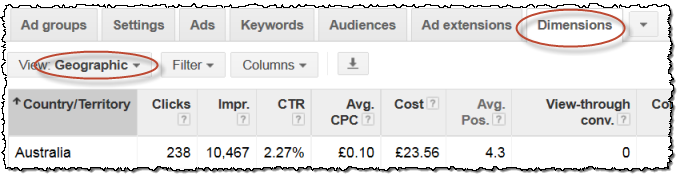
- Click on the AdWords Dimensions tab then select Geographic.
- Remove any geographic columns apart from Country/Region.
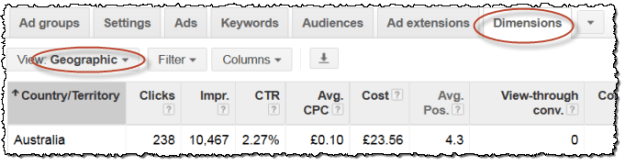
Are some countries performing considerably worse in terms of click-through rate, cost per click or cost per conversion? If so, depending on how differently the countries are performing:
- Stop targeting the under-performing countries; or
- Make a duplicate of that campaign for the under-performing counties, but bid less ( It is easy to duplicate a campaign in the free Google Adwords Editor); or
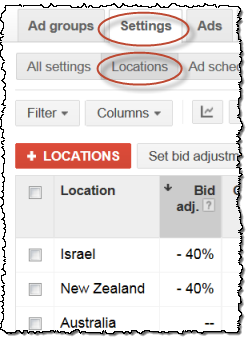
- Use a negative bid adjustment for the under-performing countries:
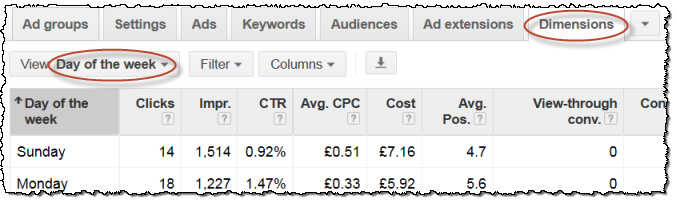
2. Check your ‘Time>Day of the week’ report
Some products sell much better on certain days of the week. For example, B2B products probably sell better during the week than they do at the weekend. The opposite might be true for some B2C products. You can easily check this.
- Choose a campaign and date range.
- Click on the AdWords Dimensions tab then select Time>Day of the week.
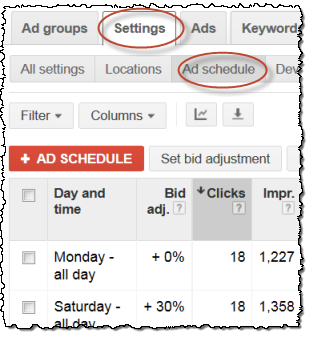
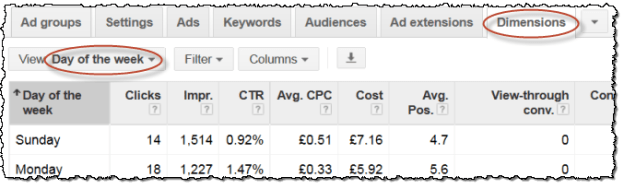 Are some days of the week performing significantly better or worse than others? If so, you can schedule your bids to be more or less on different days of the week.
3. Get rid of the dead wood
Keywords with low quality score and low click-through rates can drag your whole campaign down. You can easily set up filters to find the culprits.
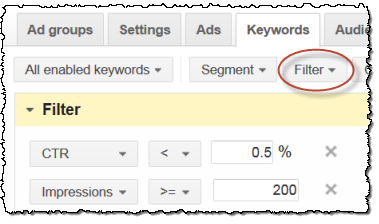
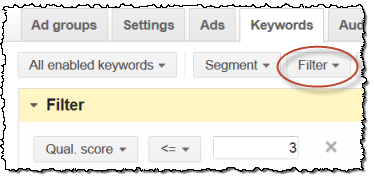 And then pause or delete these keywords.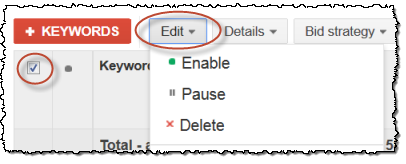
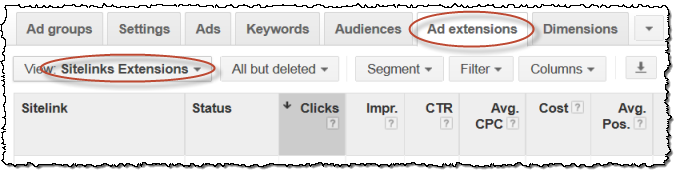
4. Add sitelink extensions
If your ad appears at the top of the page, you can optionally show sitelink extensions that hyperlink to particular pages. These increase the amount of screen real estate and text available to you and they don’t cost any extra. What’s not to like?
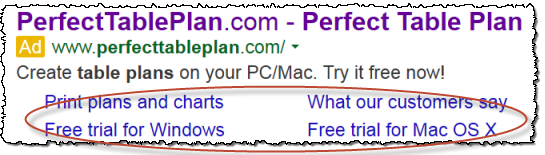 To add sitelink extensions:
- Select the appropriate campaign.
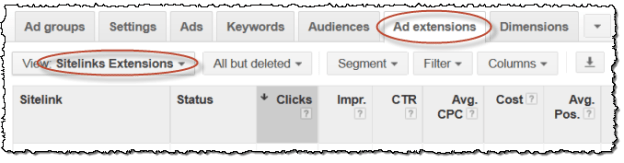
- Click on the Ad extensions tab and select Sitelinks extensions.
- Click the +EXTENSION button.
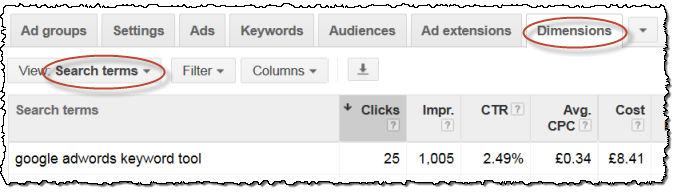
5. Check your ‘Search terms’ report for negative keywords
Unless you are only bidding on exact match, the queries that result in your ads being shown are not the same as the keywords you supply to Google. You need to use negative keywords to further control which search queries your ads appear for.
For example, if you are selling Windows backup software and bidding on backup software (as broad or phrase match) your ad may appear every time someone searches on mac backup software. This hurts you twice: wasted clicks (which costs you money directly) and reduced click-through rates (which reduces your quality scores and costs you money indirectly). You can avoid these issues, just by adding mac as a negative keyword.
To look for negative keywords:
- Choose a campaign and date range.
- Click on the AdWords Dimensions tab then select Search terms.
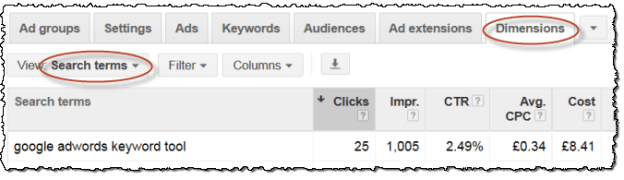
You will see a list of the searches that actually triggered your ads. Are there any searches there that shouldn’t be? If so, add the offending words as negative keywords, (either at campaign or ad group level).
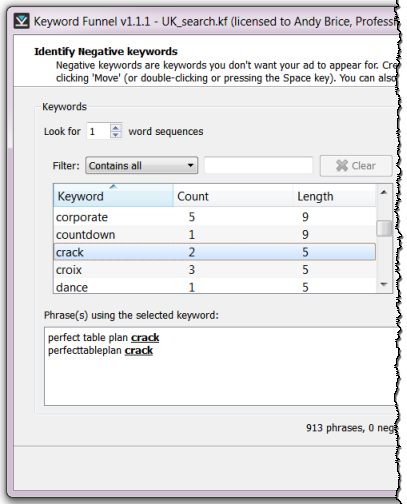
Plug: My Keyword Funnel AdWords tool can be very useful for sifting through large amounts of search queries to find negative keywords. Just paste in thousands of keywords from your search terms report and look at each keyword by frequency and context.
(This article was first published on www.keywordfunnel.com)


 Successful Software