
Tag Archives: malware

Github has not removed malicious imitation software after 3 weeks

On the 31st August I got an email from a customer, telling me that they had found an imitation of my data wrangling software on Github. I’m not linking to it, but here is a screenshot:
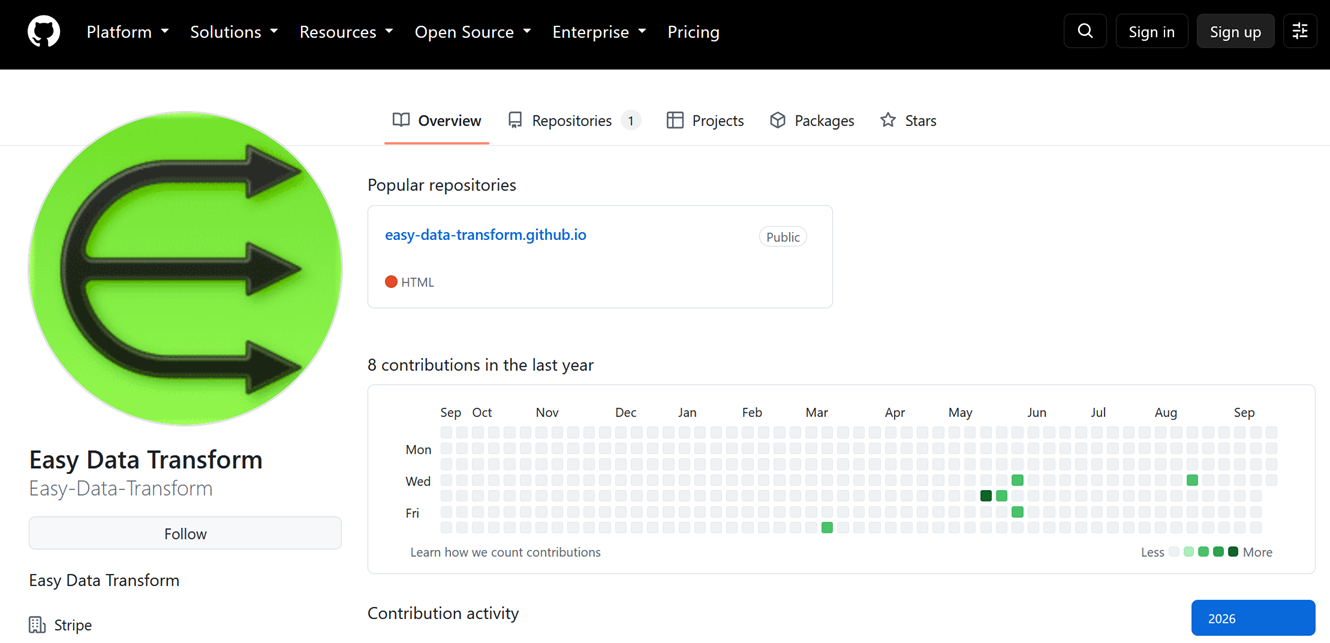
It is using our product name and logo, without permission. I reported it to Github as an imitation on the same day. I got this reply:
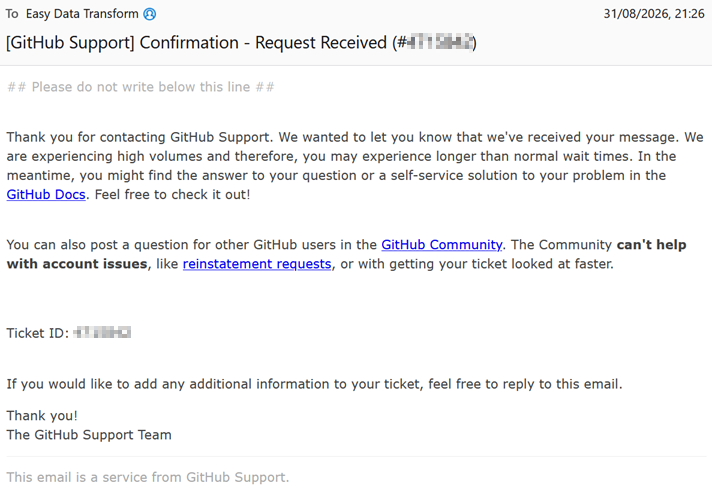
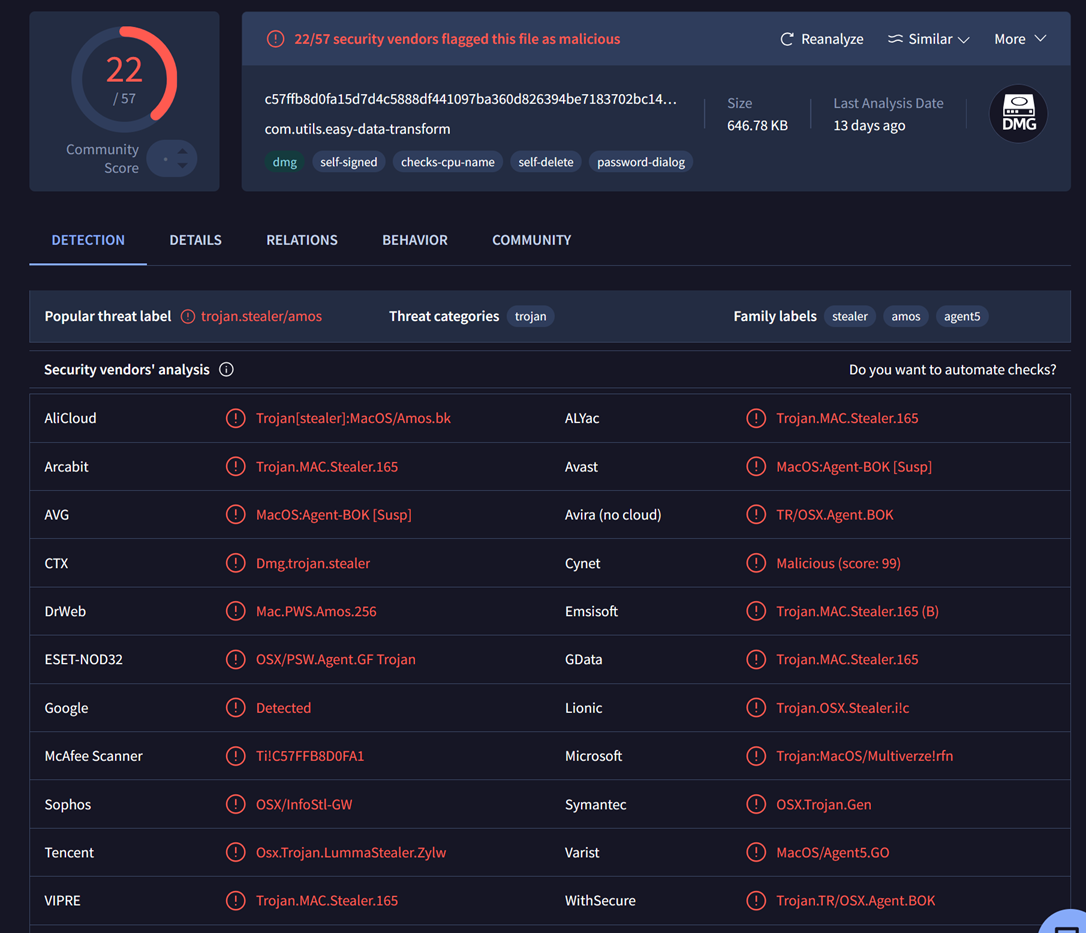
A colleague scanned the Mac .dmg file from the repository using virustotal.com and got a whole load of malware warnings:
Using data recovery software Isobuster he found out that they have also changed the background image of the .dmg:
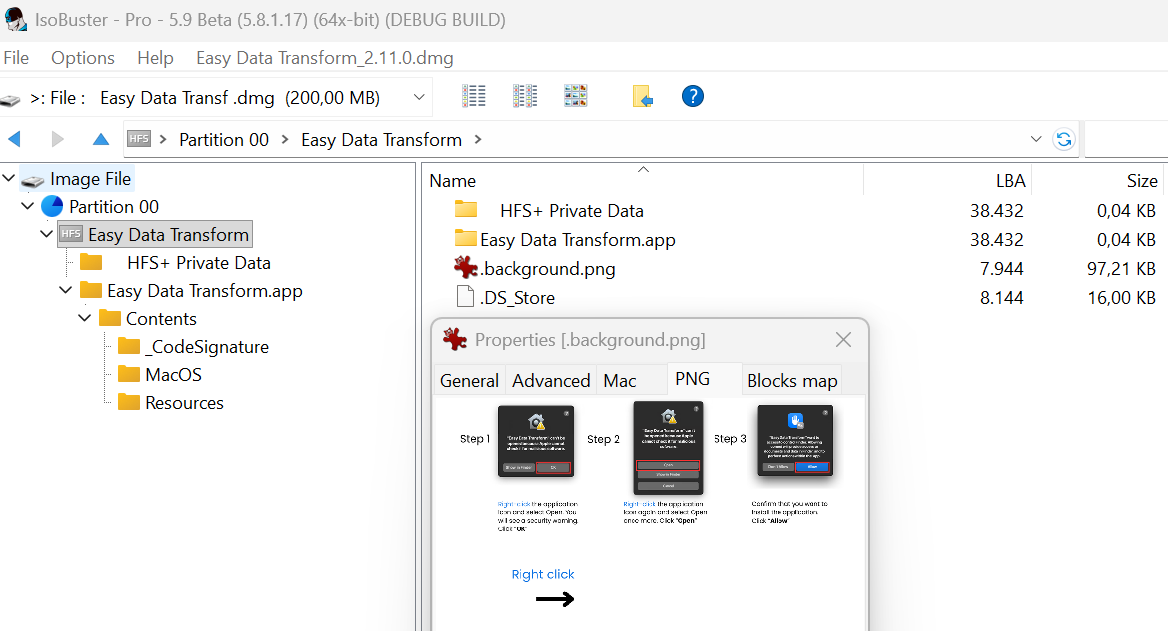
The new image encourages downloaders to ignore any warnings about the malware!
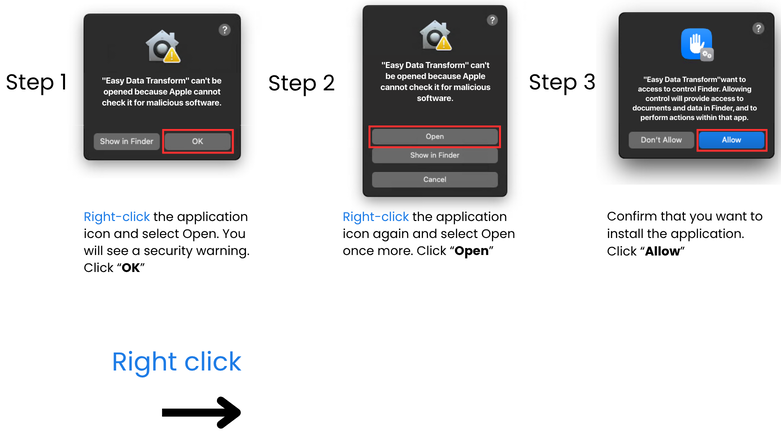
I reported this additional information on the 10th September.

As of the 23rd September, I have had no response from Github support beyond the original automated email. 23 days without a reponse. This is pisspoor. Do better Github.

I’m not sure what my next line of attack is. A DCMA takedown request to Github?

Realistically the only people likely to download the .dmg are those trying to avoid paying for a license for Easy Data Transform. I don’t have a huge amount of sympathy for them if they get their computers compromised. But I really don’t like bad guys taking advantage of my hard work.

Ps/ Always download software from the vendor, where possible.

** Update 24-Sep-2026 **

Github finally took the offending page down approximately 10 minutes after this post appeared on the front page of Hacker News. Total coincidence. I’m sure!
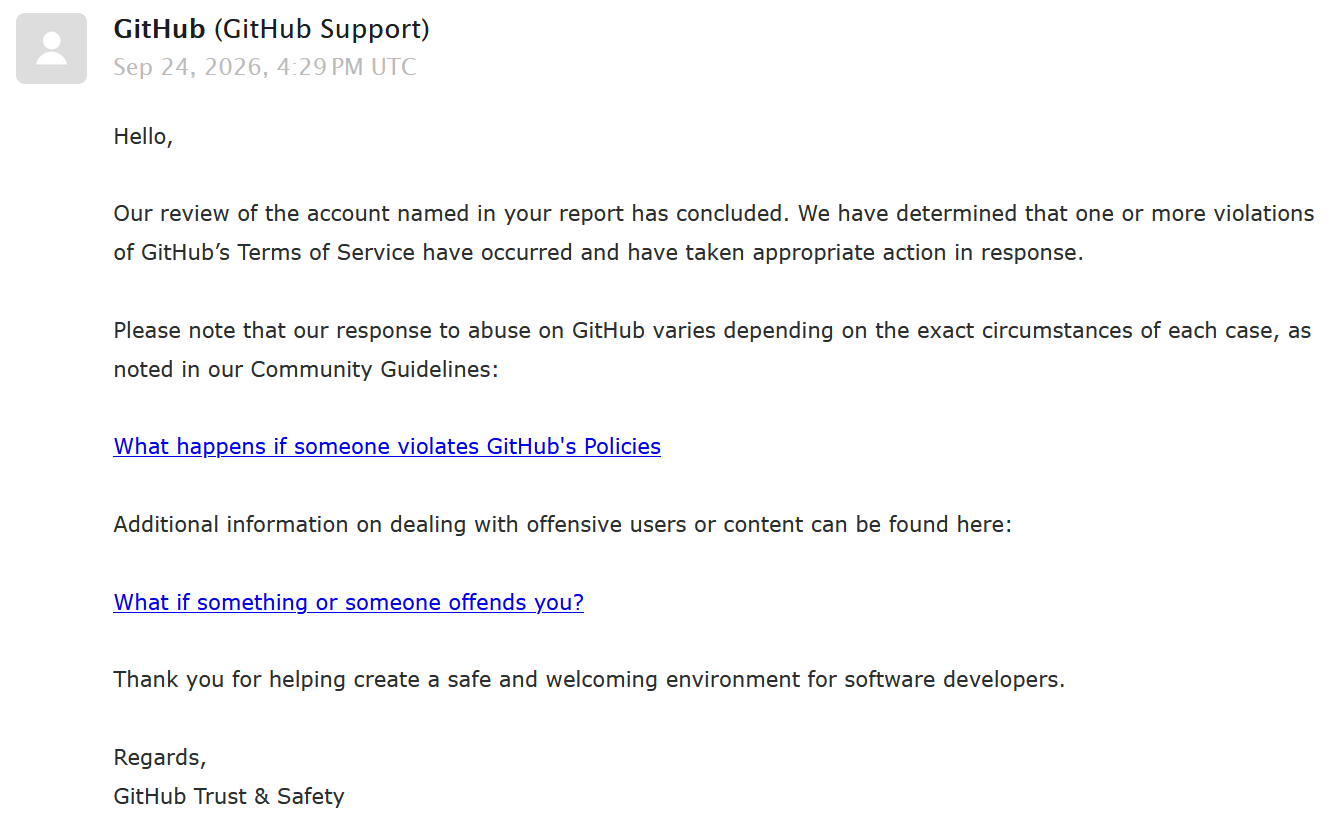
Moral of the story. If you want even the most basic level of support from Github, you need to get on the front page of Hacker News.

And it seems they are able to do things very quickly, when they want to.

“Think you can’t get a virus by visiting a web page? Think again!”

Are you just one click away from disaster? The following post on ASP forums woke me out of my complacency (reproduced with the author’s kind permission):

It happened to me today with FireFox 3.

While searching Google for some information on a movie I watched recently (wasting time, more or less), I clicked on a link that I thought was to IMDB. I only glanced at it in the Google search results before I clicked on it. As soon as the page loaded the browser closed, my desktop background was changed and some sort of fake scanner window showed up. Then I saw desktop icons appear. Then a BSOD, or so I thought.

It turns out it was a pretty common piece of malware called Smitfraud combined with a fake AV malware software called “AntiVirus XP 2008”. They kept asking me to register the software in order to clean the 2700+ virus that it found during its “scan”. The BSOD was a cleverly designed screen saver, I assume designed to make a user reboot without trying any real scanner software.

Luckily I use Acronis TrueImage to do incremental backups every night so restoring to what I had at 4AM this morning only took about an hour but it really woke me up. I had disabled the Avast resident scanner a few days ago thinking that I didn’t need it – I mean, I don’t download random EXE files from the net, I don’t visit “bad” sites and I don’t use any p2p file sharing network so I’m safe – right? WRONG! Talk about a humbling experience. Here I am, an uber nerd, and I just had my entire system hosed in about 4 seconds by visiting a website. If I weren’t obsessed with backups and redundancy I could have lost the source code to all of my software or worse, allowed some cracker kid to install a rootkit and gain access to my desktop on demand. Talk about a nightmare!

I can only assume I ran into a site exploiting some new QuickTime or Flash vulnerability. I definitely didn’t download and run anything from the website – I only clicked the link from Google.

If I could remember the site I would try to return to it in a VM with an anti-virus software enabled to see if it could catch it before bad things happened. I can only hope that my huge mistake of not turning my AV software’s resident scanner was the main thing that allowed the software to be installed.

I’ve since started using OpenDNS.org, set Acronis to do incremental updates twice a day, enabled Avast’s resident scanner and installed the Teatimer program from Spybot Search & Destroy. Oh, and I uninstalled Flash and QuickTime just in case (though I checked and I had the most recent versions of both!).

Mitchell Vincent, www.ksoftware.net

The responses included several suggestions to use the ‘Noscript’ add-on for FireFox. I have been trying it for a few days. It is slightly annoying to keep on having to OK scripts on trusted sites. But that seems a price worth paying. And don’t forget to do your back-ups.